Da instalação à primeira traduçãoFrom install to first translation
São cinco passos, e três deles acontecem sozinhos. O tempo total é o que você leva para clicar em “Autorizar”. Os desenhos são só isso — desenhos do que você vai ver em cada passo; as fotos de um servidor de verdade estão na página inicial.Five steps, and three happen on their own. The total time is however long it takes you to click “Authorize”. The pictures below are drawings of what you'll see at each step — the photos of a real server are on the home page.
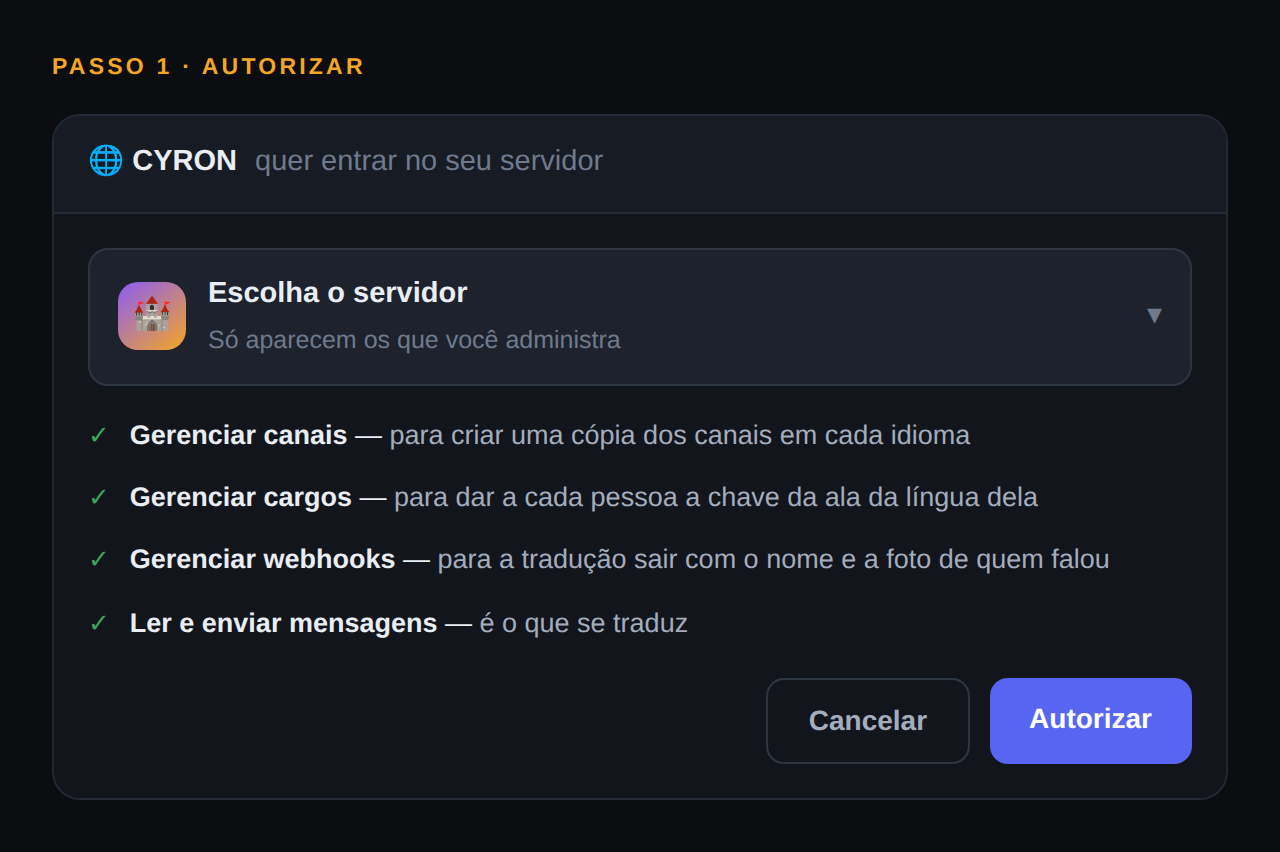
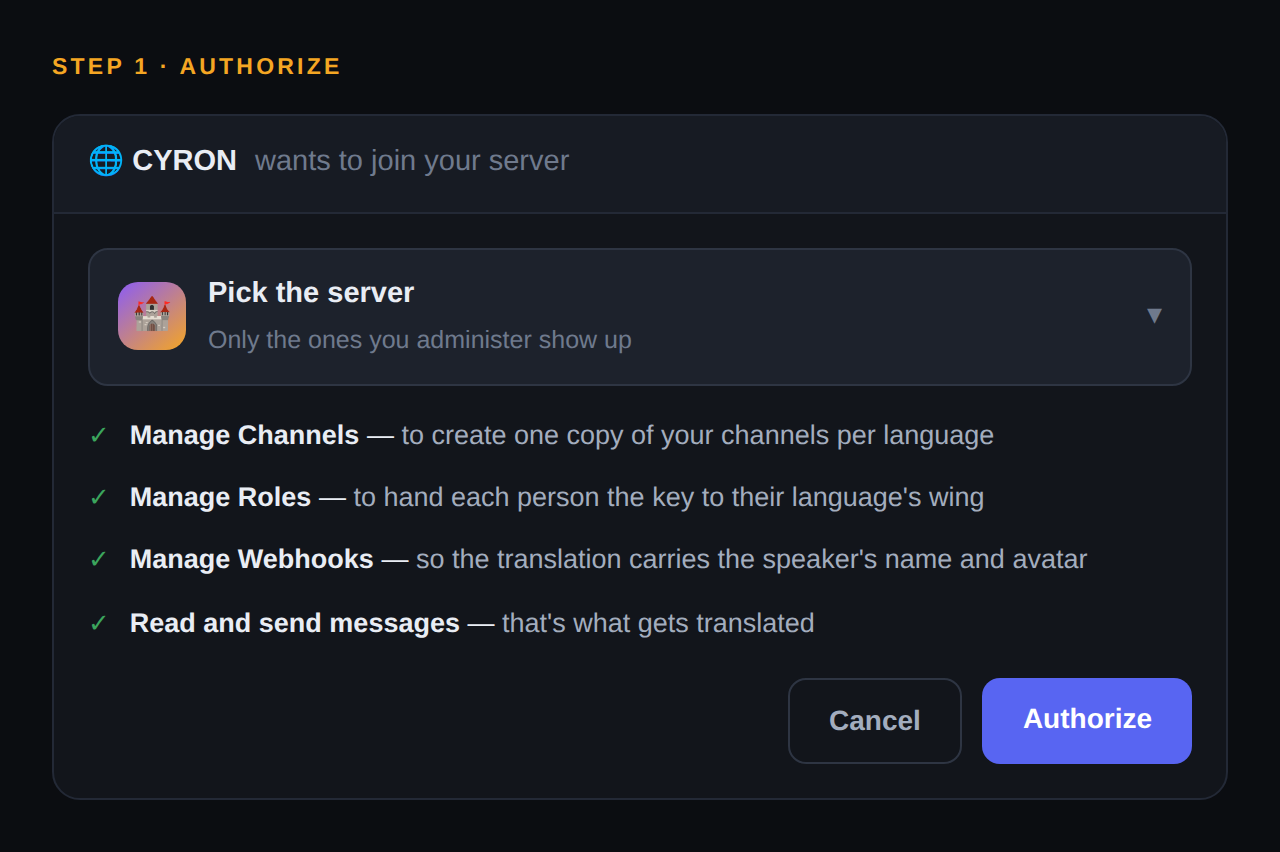
Adicione a CYRON ao seu servidorAdd CYRON to your serverUm clique no botão, escolher o servidor, autorizar. Você precisa ser dono ou ter Gerenciar Servidor — o Discord só mostra na lista os servidores onde você pode.One click, pick the server, authorize. You need to be the owner or have Manage Server — Discord only lists the servers where you can.Toque para ver em tamanho cheio.Tap to view it full size.Adicionar ao DiscordAdd to Discord
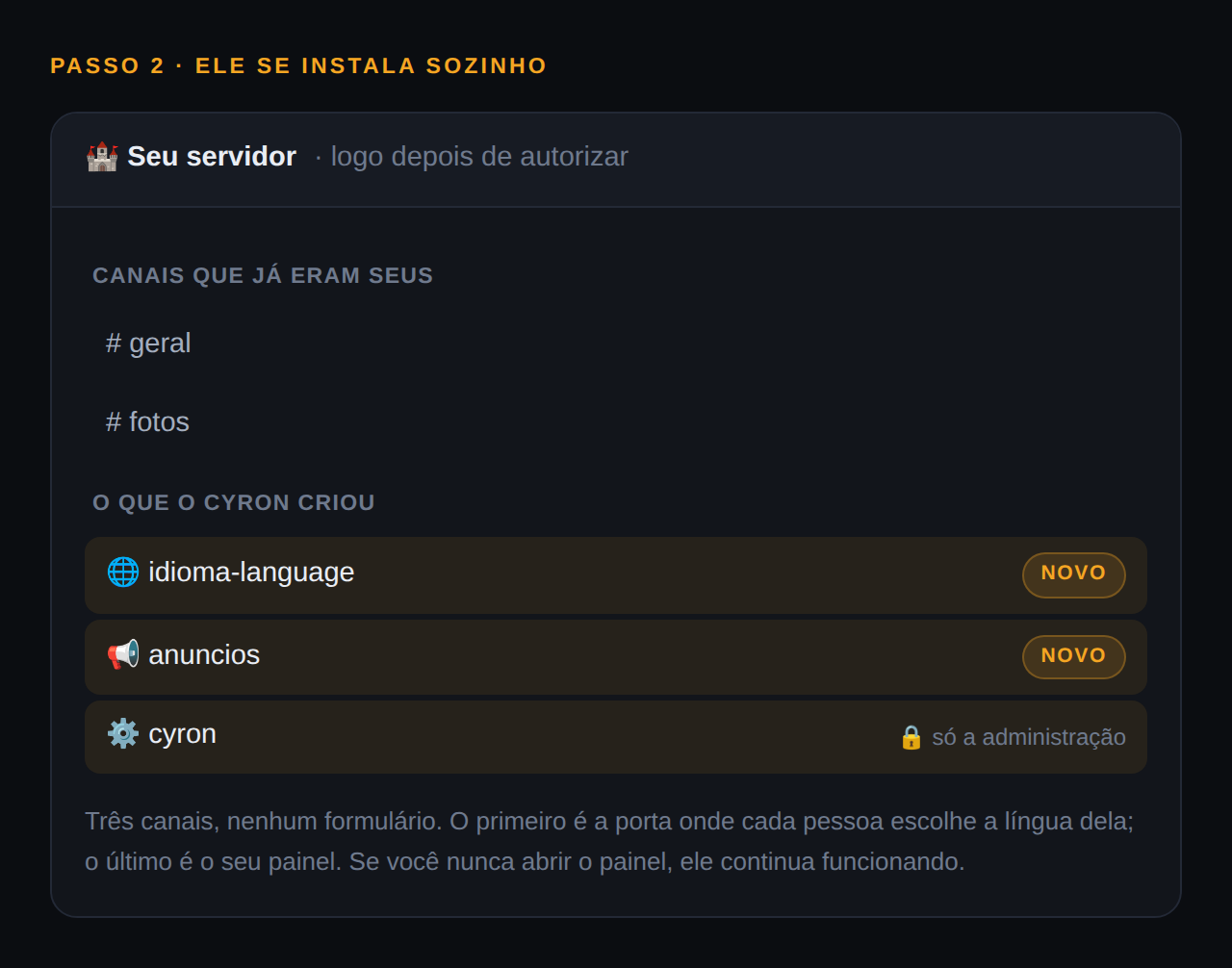
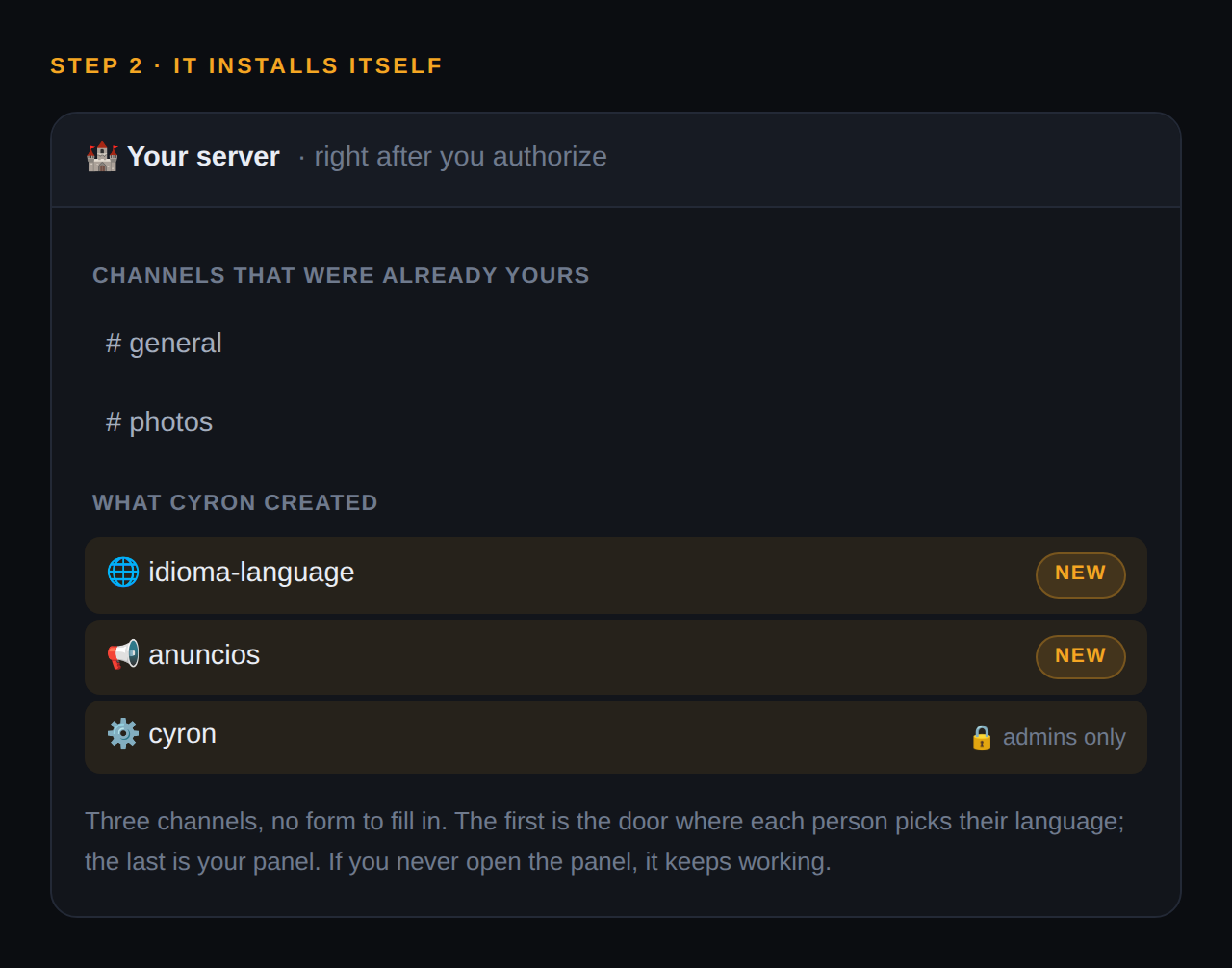
Ela se instala sozinhaIt installs itselfSem formulário e sem configuração. Ela cria o canal onde as pessoas escolhem o idioma e um canal de administração com um painel de botões — e já começa a funcionar. Se você nunca abrir o painel, ela continua funcionando.No form, no setup. It creates the channel where people pick their language plus an admin channel with a button panel — and starts working right away. If you never open the panel, it keeps working.Toque para ver em tamanho cheio.Tap to view it full size.
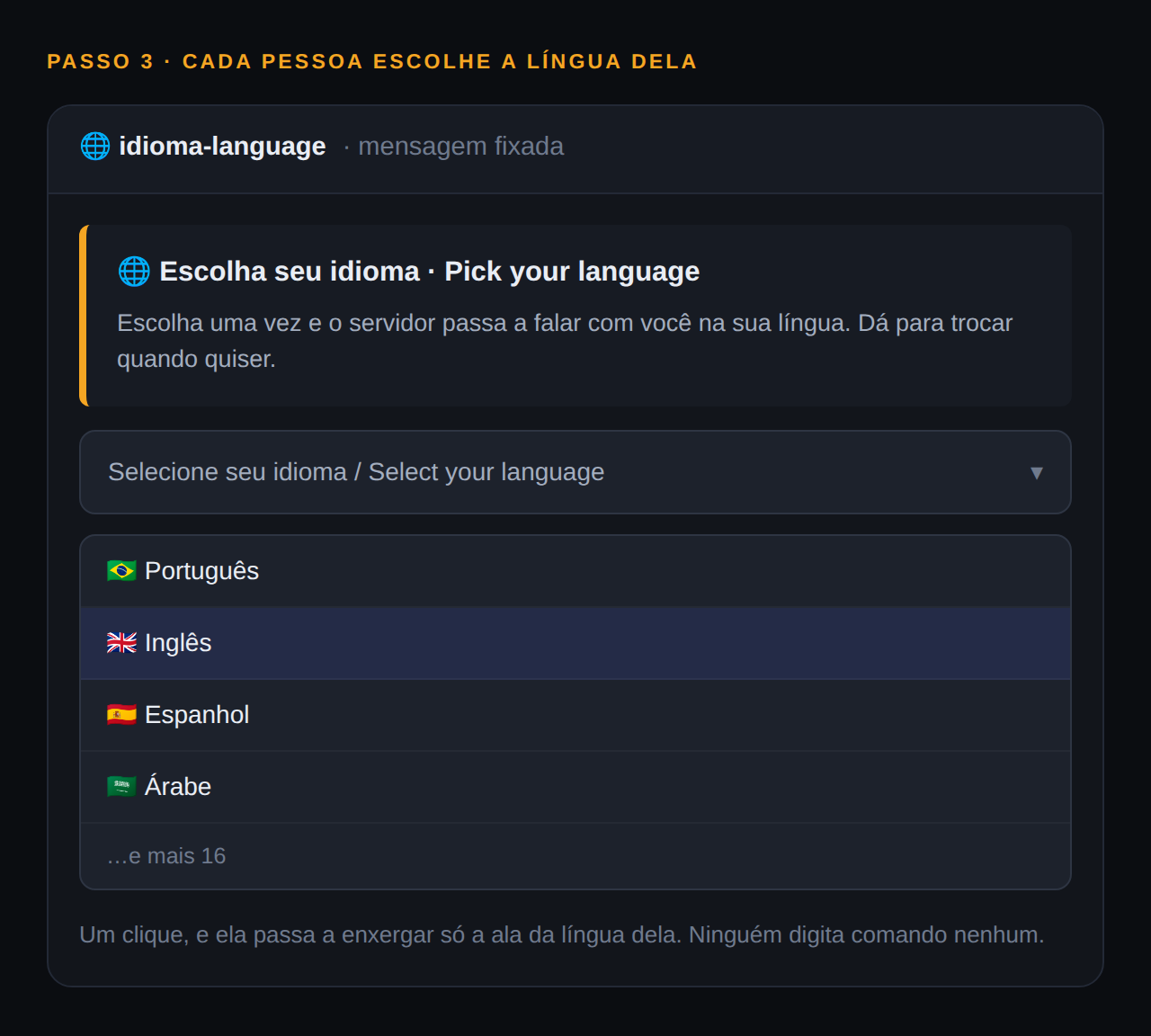
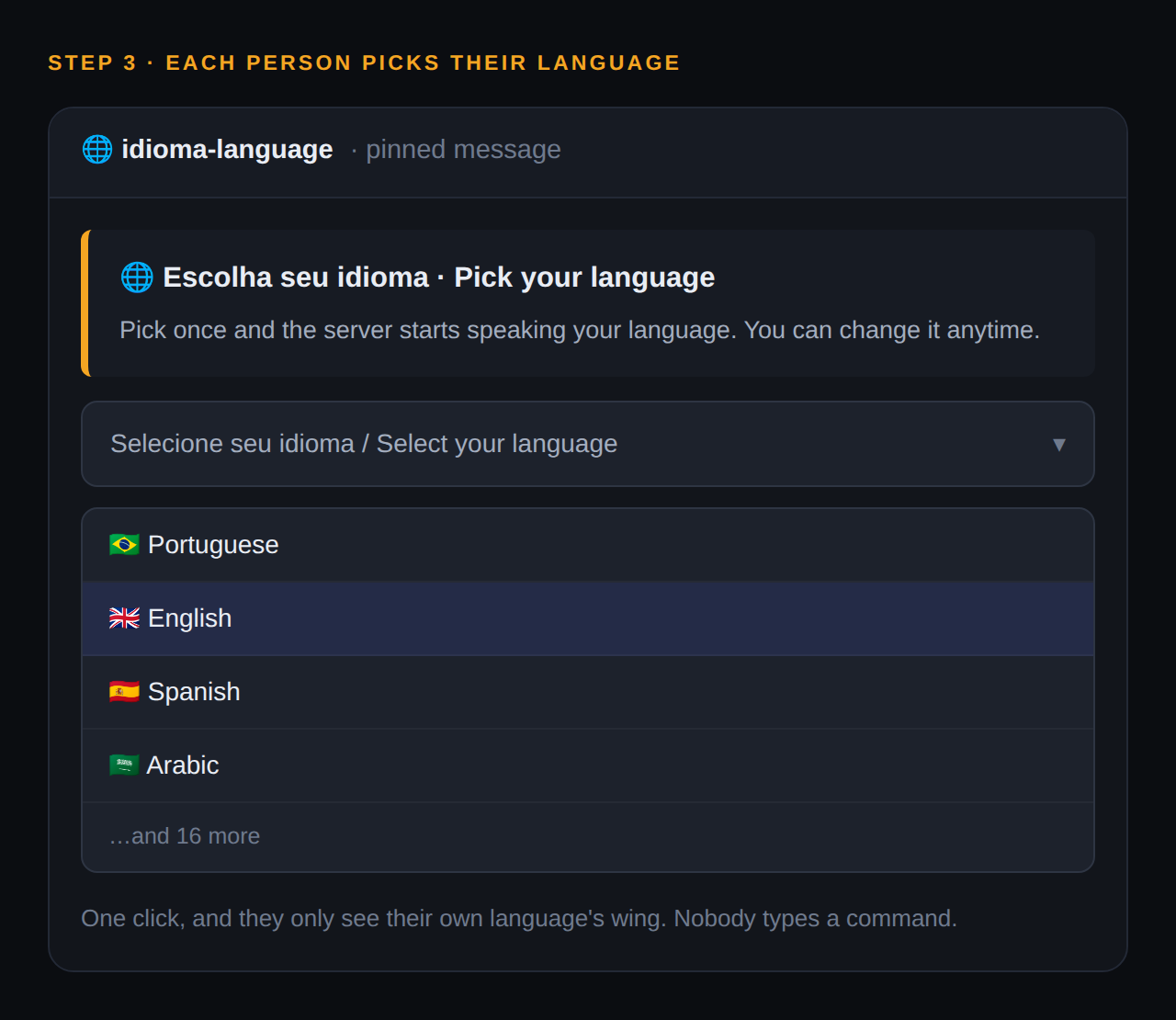
Cada pessoa escolhe a língua delaEach person picks their languageNo canal de entrada, num menu com 20 idiomas. A partir daí o bot fala com ela nessa língua — e ela só enxerga a ala dela do servidor.In the entry channel, from a menu of 20 languages. From then on the bot talks to them in it — and they only see their own wing of the server.Toque para ver em tamanho cheio.Tap to view it full size.
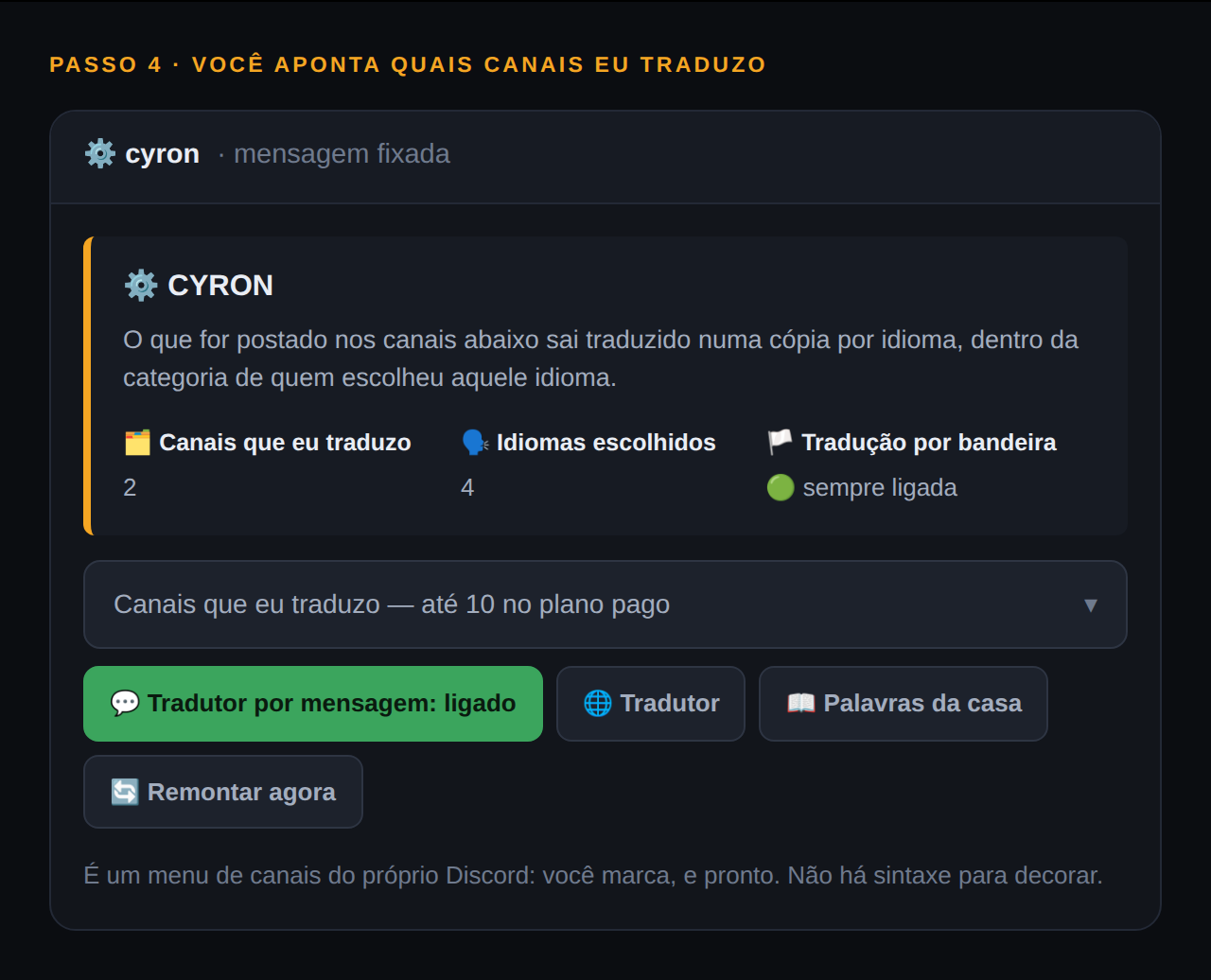
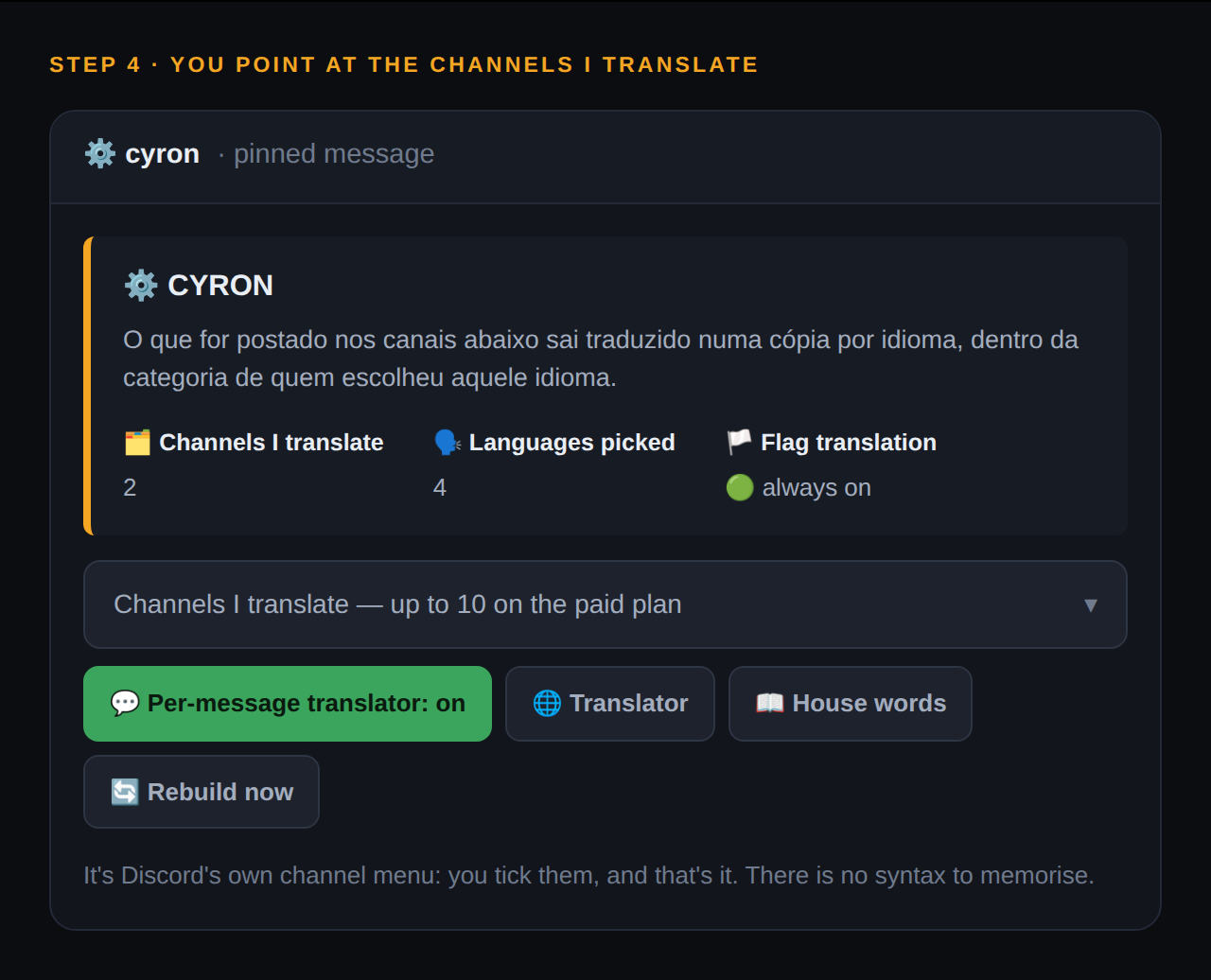
Você aponta quais canais eu traduzoYou point at the channels to translateNo painel de administração, num menu de canais do próprio Discord. Cada canal que você marcar ganha uma cópia traduzida em cada idioma que alguém escolheu. Este passo é do plano pago — no grátis não há nada a configurar.In the admin panel, using Discord's own channel picker. Every channel you tick gets a translated copy in each language someone picked. This step is on the paid plan — on Free there's nothing to configure.Toque para ver em tamanho cheio.Tap to view it full size.
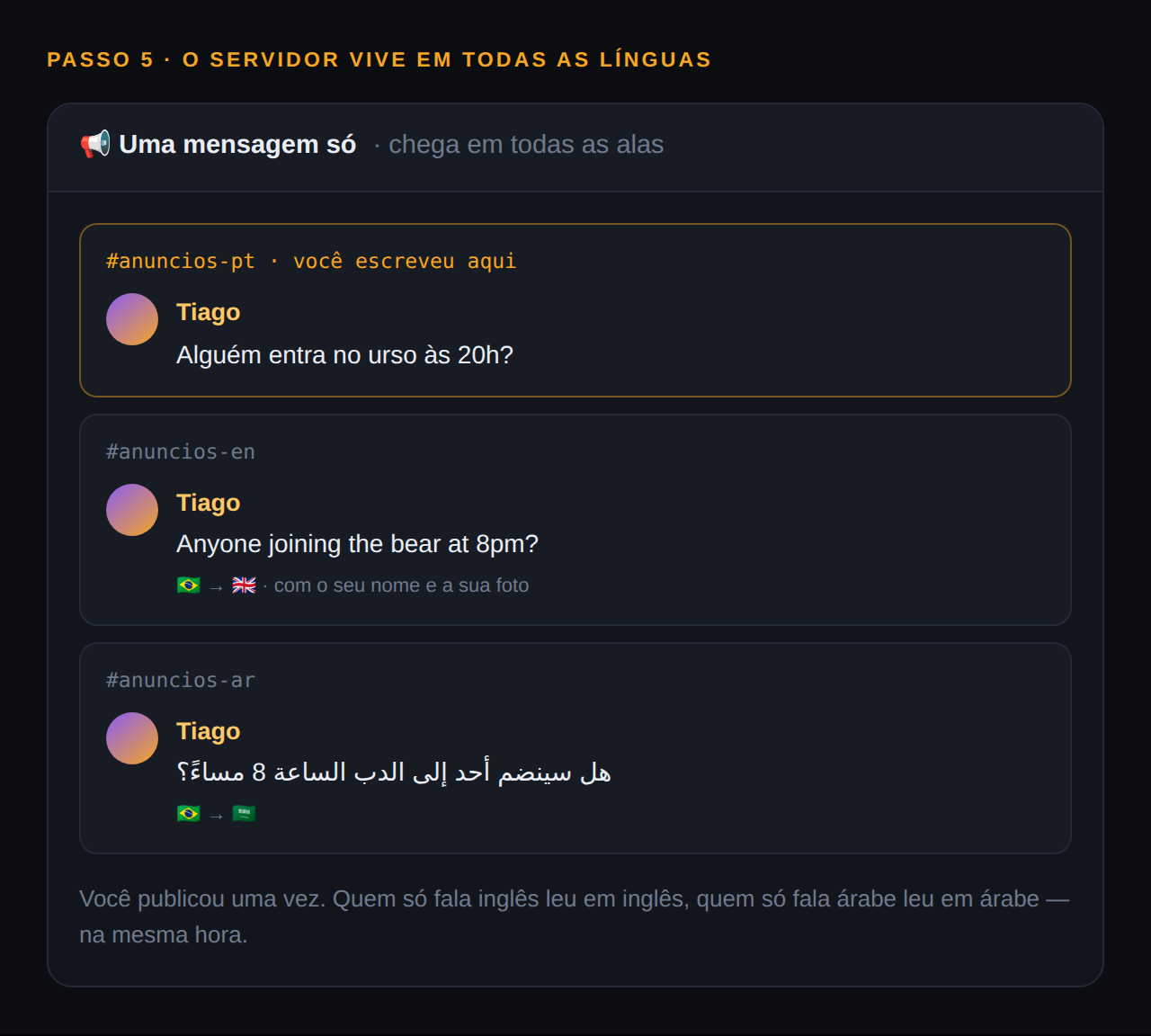
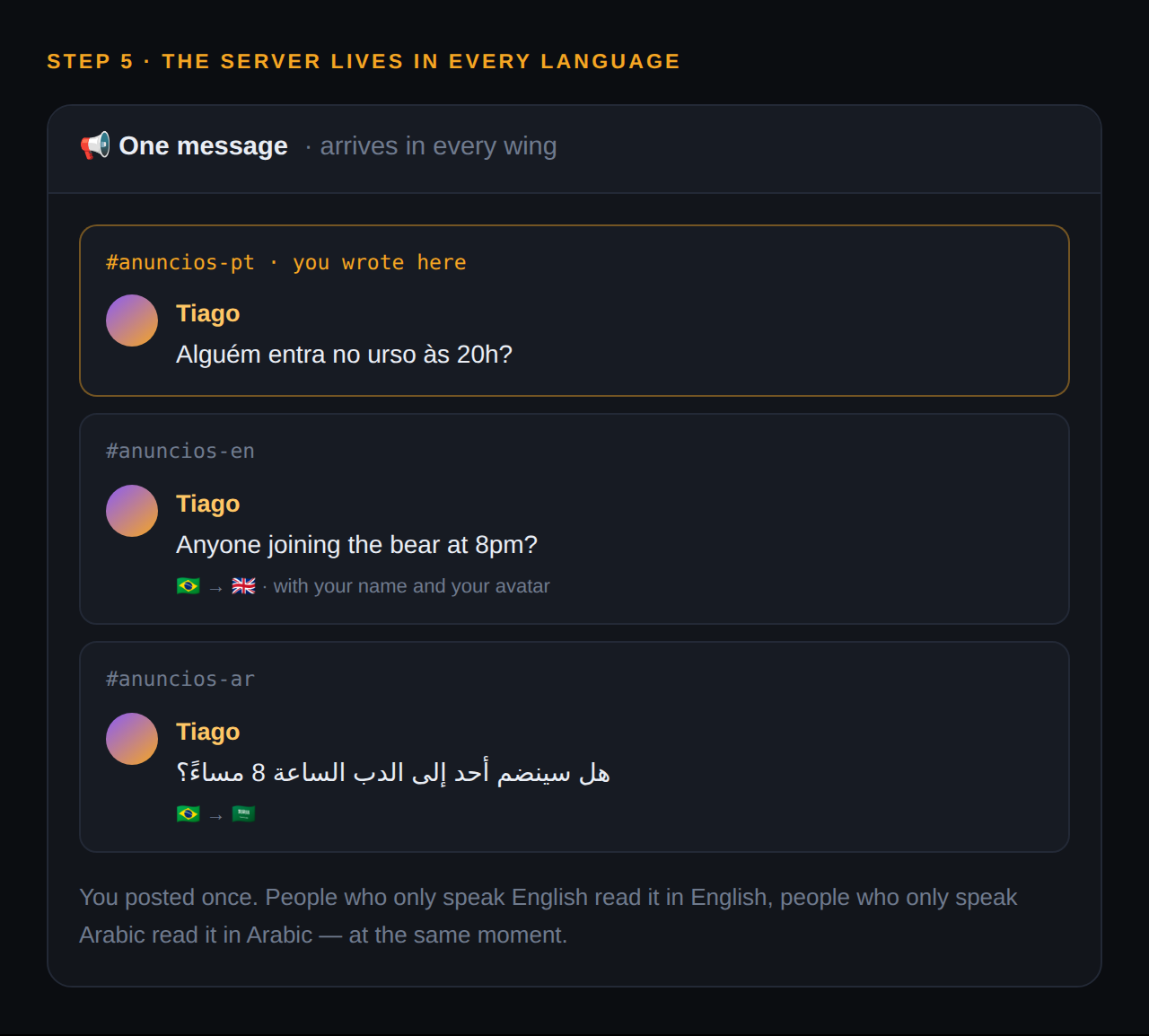
Pronto — o servidor passa a viver em todas as línguasDone — the server now lives in every languageVocê publica uma vez no canal de sempre, e chega traduzido em todas as alas. Quem escreve na sala da língua dele aparece na dos outros já traduzido, com o nome e a foto de quem falou.You post once in the usual channel, and it lands translated in every wing. Whoever writes in their language's room shows up in the others already translated, with the speaker's name and avatar.Toque para ver em tamanho cheio.Tap to view it full size.Ver como ficaSee how it looks
E se der errado? O painel de administração diz o que está faltando — permissão que eu não tenho, cargo acima do meu, gente que escolheu um idioma que não coube no plano. Ela não fica em silêncio quando alguma coisa não funciona.And if something goes wrong? The admin panel tells you what's missing — a permission I don't have, a role above mine, people who picked a language that didn't fit the plan. It doesn't stay quiet when something isn't working.
É só isso.That's all of it.
Instala sozinha, traduz na mesma hora, e o plano grátis não vence nunca.It installs itself, translates right away, and the free plan never expires.